StreamBois
A downloadable tool for Windows
Tiny Twitch chat creatures directly on your stream.
StreamBois is a lightweight Twitch-integrated desktop app where viewers automatically spawn in-game when they chat and can control their avatars live from chat messages.
Current features include:
- Chat-controlled movement
- Automatic viewer spawning
- OBS-compatible transparent window overlay
Combat and more advanced gameplay systems are planned for future updates.
Features
- Automatic spawning from Twitch chat
- Chat-controlled avatars
- OBS transparent window support
- Simple setup
- Free to use
Setup Guide
1. Launch StreamBois
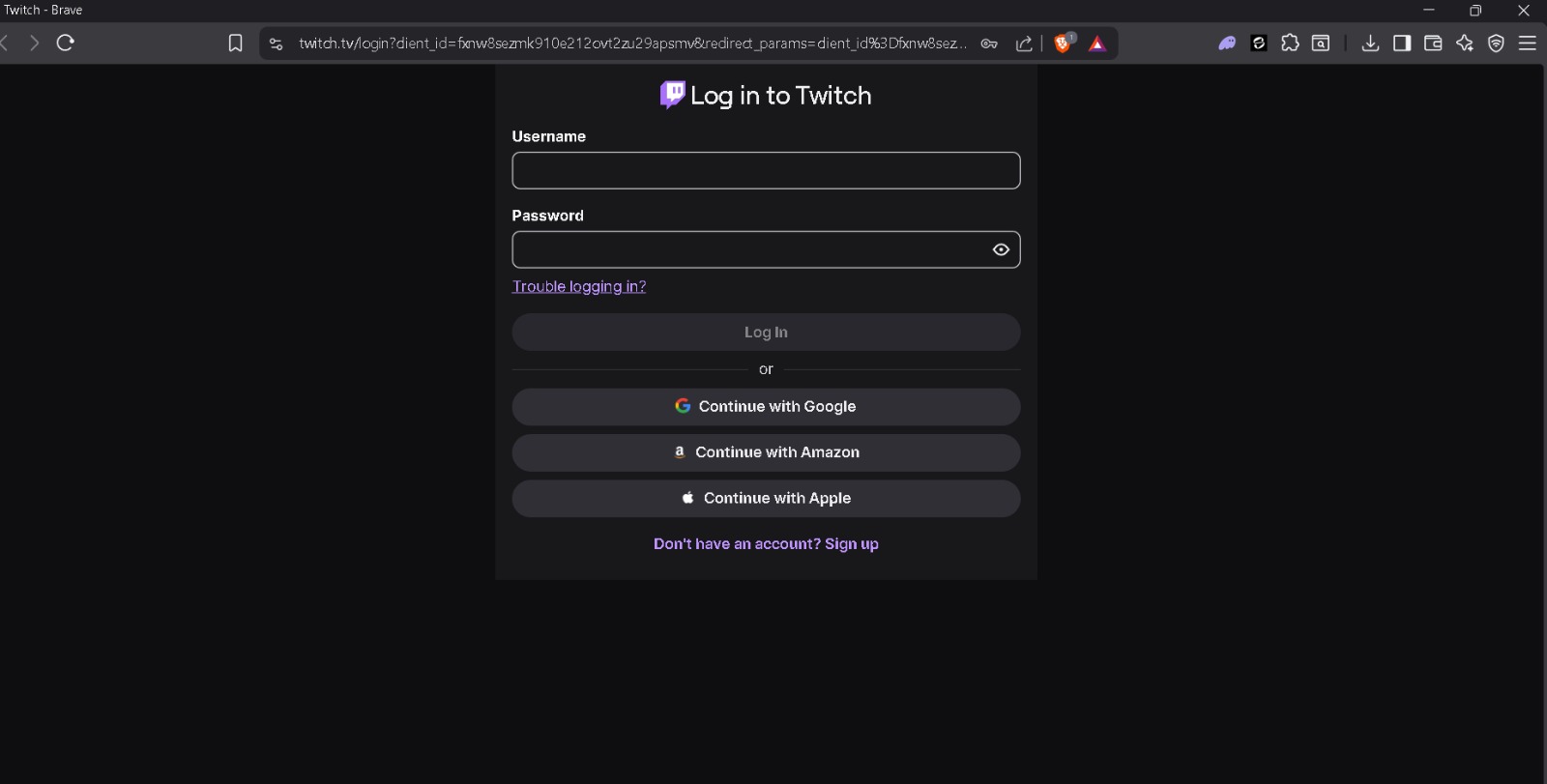
When the app starts, it automatically opens your browser and redirects you to the Twitch OAuth login page.
2. Authorize Twitch Access
Log into Twitch and press "Authorize" to allow StreamBois to read chat messages.
Once authorized, the main StreamBois window opens automatically.
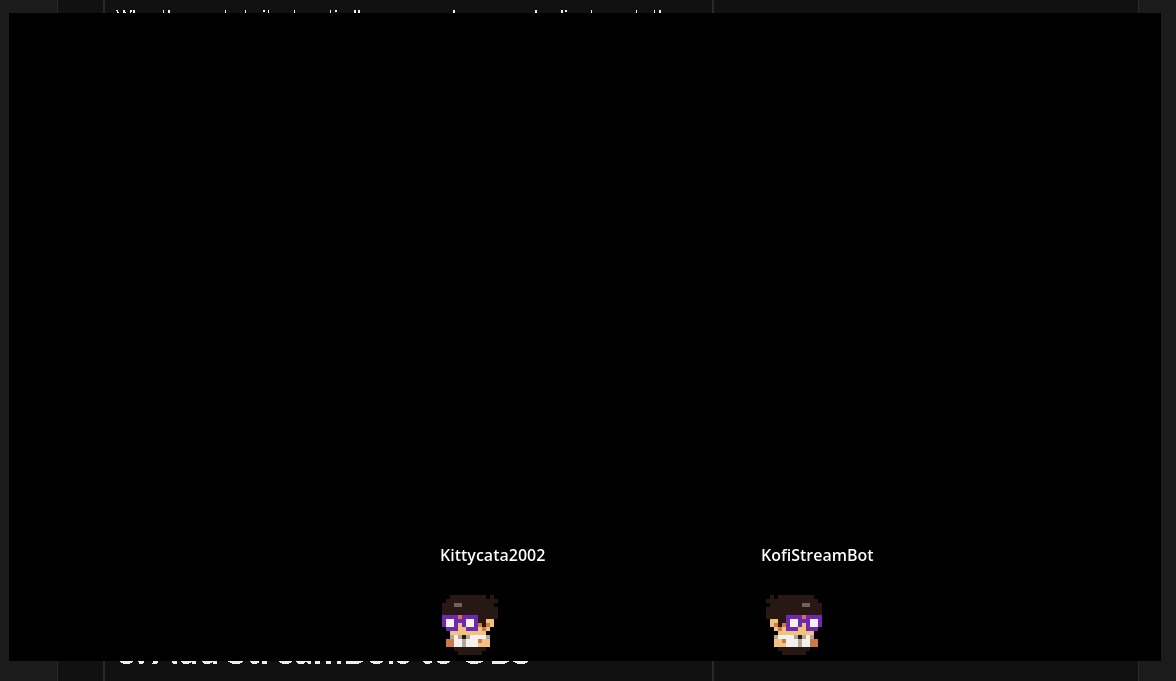
3. Add StreamBois to OBS
In OBS:
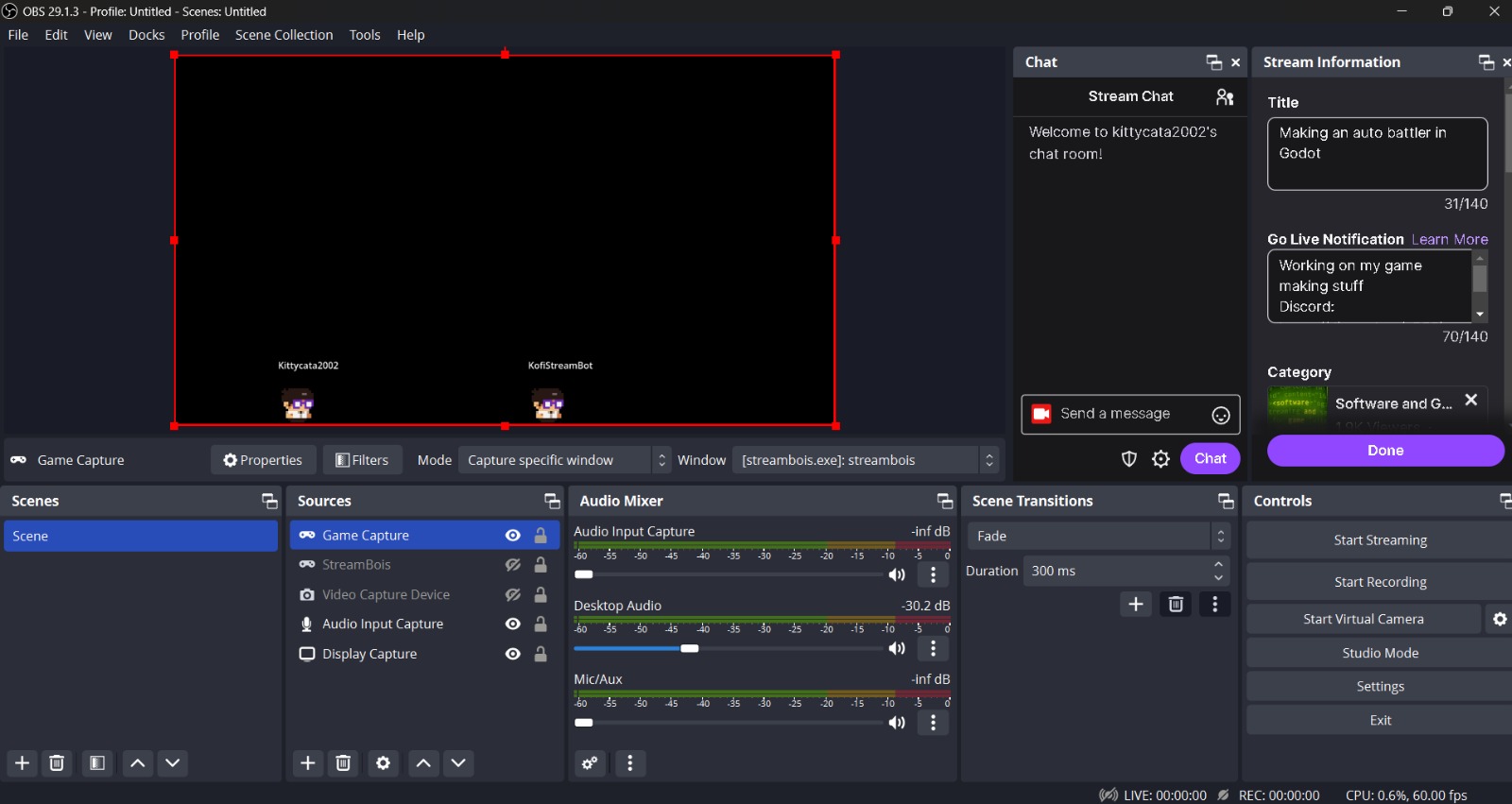
- Click "+" in Sources
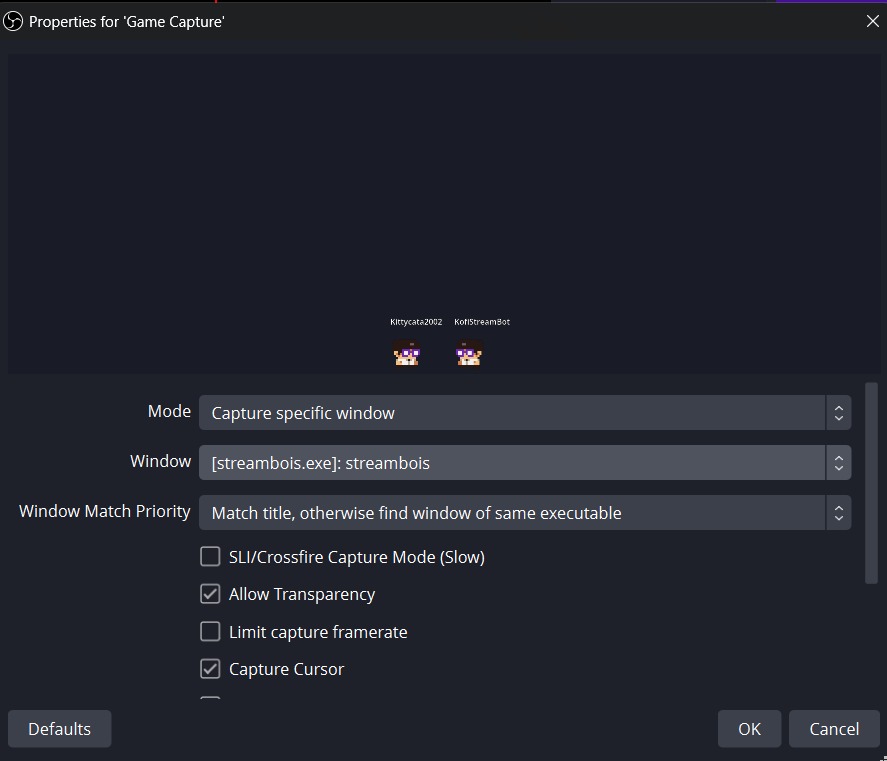
- Select "Game Capture"
- Choose the StreamBois window
Then:
- Open the source properties
- Enable transparency support or allow transparency
Position and resize the overlay however you want on stream.
How It Works
Whenever a new viewer sends a chat message:
- they automatically spawn into the world
- their avatar appears on stream
More gameplay systems and interactions will be added in future updates.
Upcoming Updates
Planned features include:
- Combat
- Items
- Emotes
- Minigames
- Channel point interactions
- Avatar customization
Development Status
StreamBois is currently in active development.
Feedback, bug reports, and suggestions are welcome.
Thanks for checking out the project.
Download
Click download now to get access to the following files:

Leave a comment
Log in with itch.io to leave a comment.